Know what you have.And where it is.
Keep equipment, tools and supplies in one place. Find what you need, check available stock and keep track of what is on loan.
- Open source · MIT license
- On your server
- Web & iPhone

For the things your team works with.
- Workshops
- Makerspaces
- Technical teams
- Clubs & lending
From the first photo to the return
One record. Part of every working day.
Photos, locations and stock belong together. Your team works with the same information when finding, handing over and returning equipment.
- 01
Capture
Start with a photo or your existing data. Optional AI suggests details for you to review and complete.
Explore photo capture - 02
Find
Search by name, keyword or location. QR codes and barcodes take you straight to the right inventory record.
Search & organise - 03
Hand over
Record loans, returns and stock movements. Keep a history of what was issued and what came back.
Stock & lending
Equipment and consumables
The drill goes on loan. The screws get used up.
Individual equipment and bulk supplies need different workflows. Open Inventory tracks both, with locations, availability and a clear history.
- Distribute stock across storage locations
- Keep track of reservations and loans
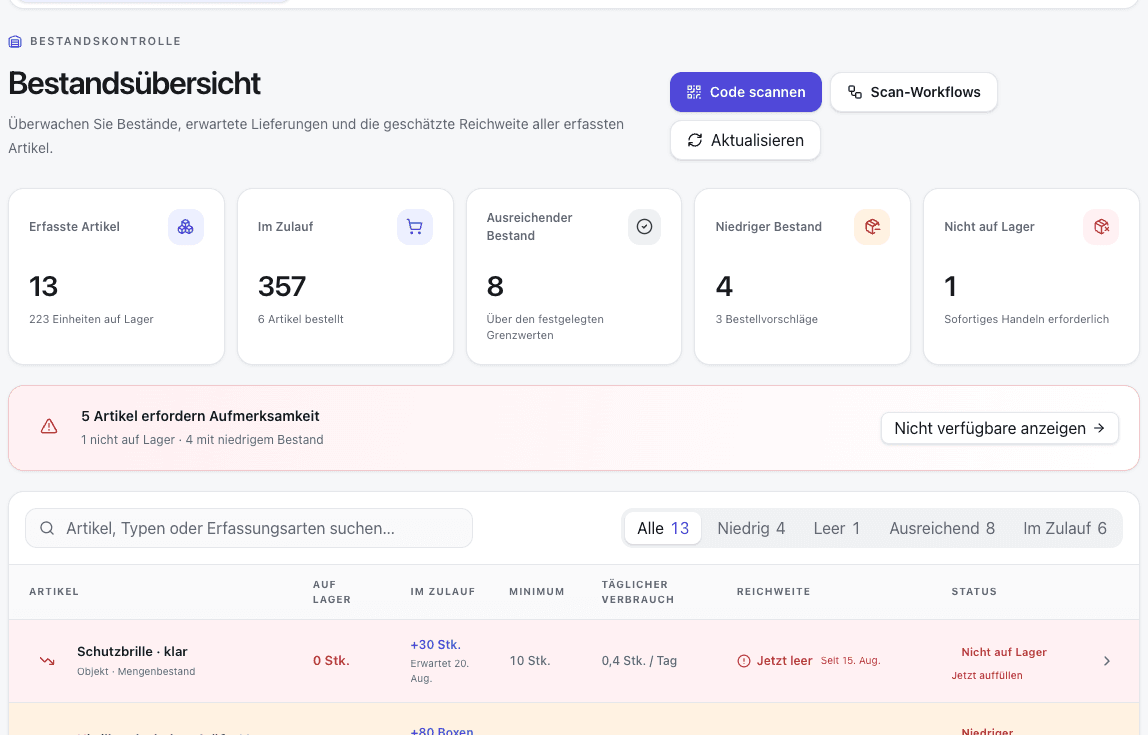
- Use consumption and deliveries to plan replenishment
Right at the shelf
Take your inventory with you.
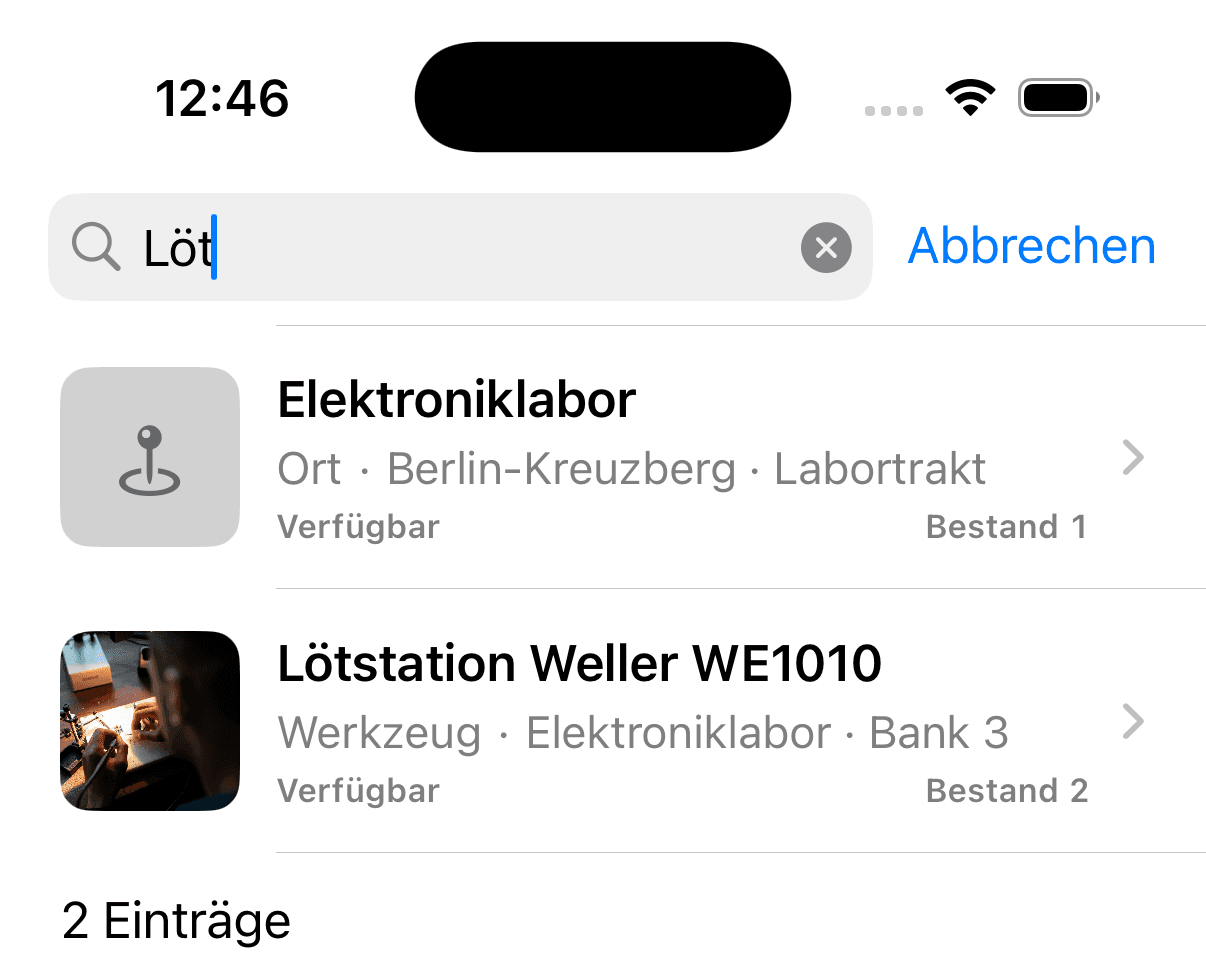
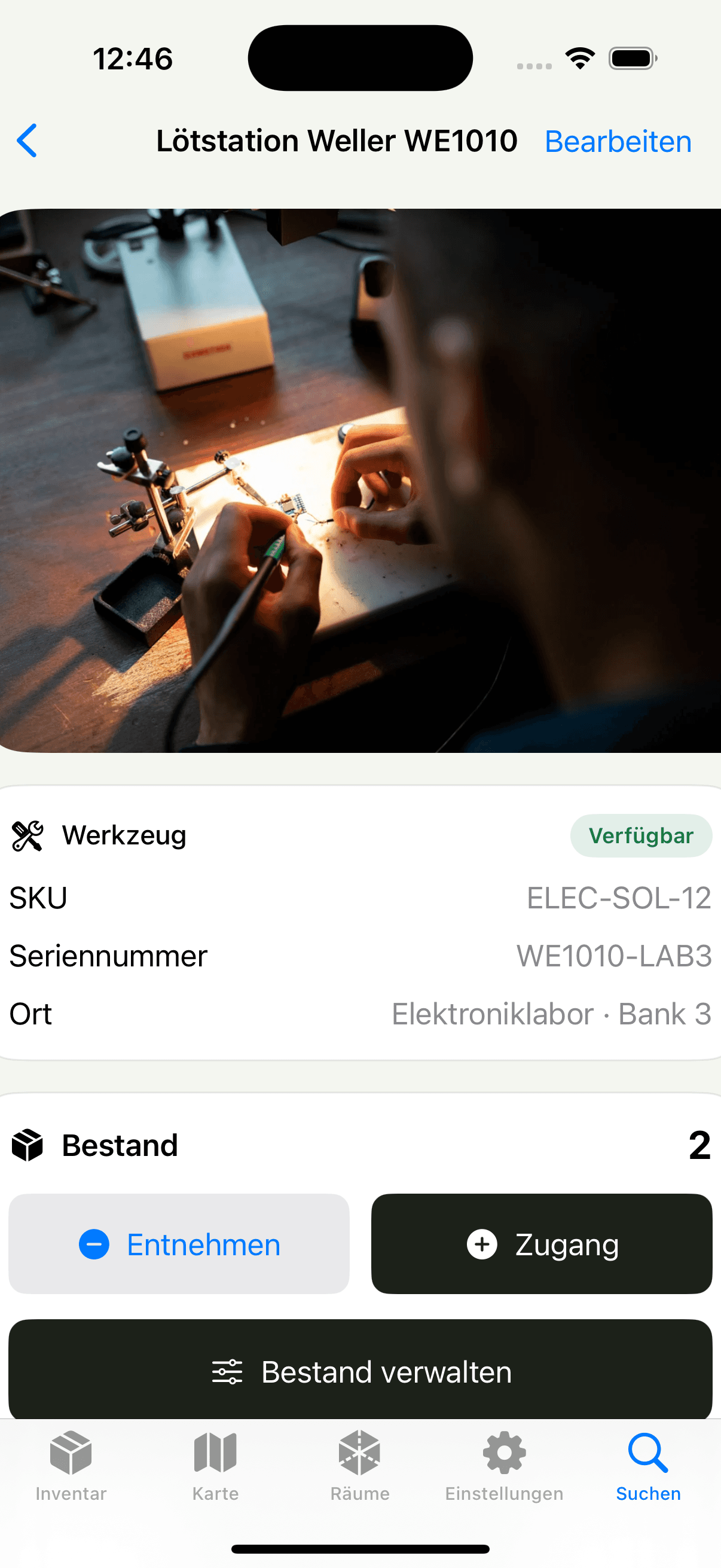
Scan a label, check a location or record incoming stock. The native iPhone app connects work in the field to your own instance.
Explore the iPhone appiOS 17+ · App Store release in preparation
Open software. Your own infrastructure.
Your inventory. Your server.
Open Inventory runs on your server. The source code, documentation and interfaces are open, so you can decide how to manage your inventory.
About hosting and dataRun it yourself
Get started with Docker Compose. Manage your own backups, updates and access.
Keep your data portable
Import existing lists, export your data and connect your own systems through the API.
Choose when to use AI
Inventory management works without AI. Enable external services when you need them.
Before you start
Good to know.
How do I print labels?
Use the browser print dialog, QZ Tray on a local Brother PT-P710BT or a shared Office printer with a Windows agent. Choose items or individual units, design templates and save print lists.
Set up printingWhat does Open Inventory cost?
The software is free to use under the MIT license. Your server and any optional external services may have their own costs.
License and hostingWhat do I need to self-host?
A server with Docker Compose and storage for the database and images. Operating your instance includes backups, updates and secure access. The documentation walks you through setup.
Read the installation guideCan I import my existing lists?
Yes. You can import inventory from a CSV file using the supported column names. Save existing Excel lists as CSV before importing.
Open the documentationDoes it work without AI?
Yes. You can manage inventory, locations and stock without AI. If you enable AI features, the content they need is sent to the configured provider.
Understand the data flowHow do I get the iPhone app?
The native app’s source code is public. The App Store release is in preparation. The app requires iOS 17 or later and access to an Open Inventory instance.
About the iPhone appSee how it fits your team.
Explore the demo with example data, or set up Open Inventory on your own server.