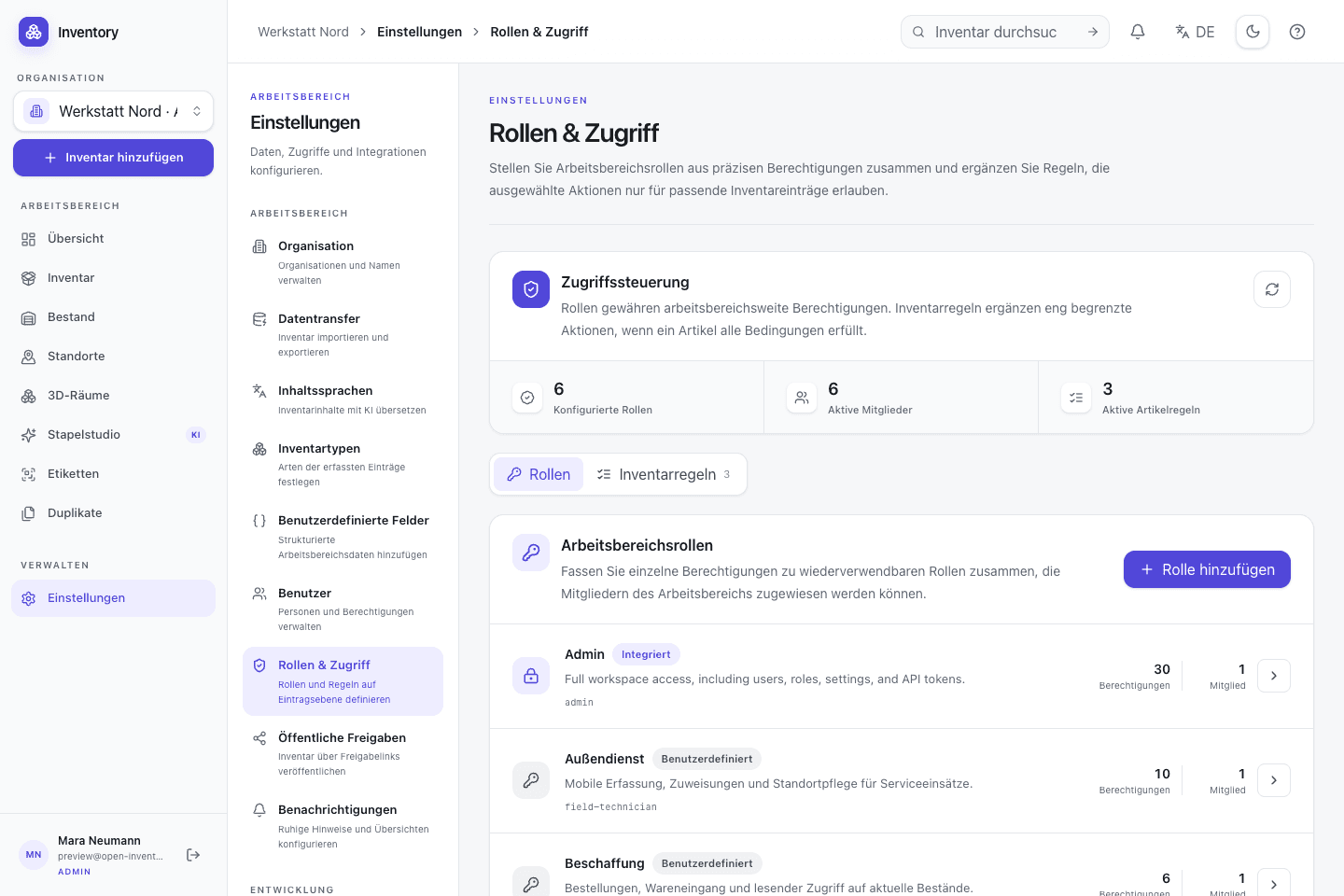
Roles and conditional rules
Manage local accounts, custom roles, granular permissions and content-dependent access rules. Auth0 or a standards-based OpenID Connect provider can be added for sign-in.
06 · Operate and secure
Run Open Inventory on your infrastructure, manage roles and back up your data. The source and documentation are public.
In everyday use
Self-hosting moves control and responsibility to the operator. Open Inventory provides Compose files, migrations, a health endpoint, PostgreSQL and persistent upload storage as a documented base. Backups, restore tests, TLS, network exposure and updates remain operational tasks.
Features in detail
Manage local accounts, custom roles, granular permissions and content-dependent access rules. Auth0 or a standards-based OpenID Connect provider can be added for sign-in.
Containers, migrations, a health endpoint and persistent volumes for PostgreSQL and local uploads are checked in. Configuration and secrets remain deployment concerns.
Store uploads in a persistent local volume by default or configure Openinary. Database and file storage must be backed up as one recoverable dataset.
Separate workspaces, data, and memberships within one deployment. Roles and permissions are evaluated in the currently selected organization.
Review estimated cost by action, provider, and status. An organization limit is checked before every paid AI call and can stop paid AI completely.
Keep selected views available offline on a trusted device. Disabling offline access or signing out removes the locally stored copies.
The web app, API and native iOS client are published in one repository. The MIT license permits inspection, modification, operation and redistribution.
Step by step
Starting Compose is the first step. Identity, persistence, recovery and controlled upgrades are required for a durable service.
Use the checked-in Docker Compose services, PostgreSQL, migrations and health endpoint as the baseline.
Configure accounts, roles and rules, then decide whether the instance is private or exposed through a hardened reverse proxy.
Back up PostgreSQL and the selected file store together, and verify restoration regularly.
Review repository changes, update images and migrations in a controlled sequence, and monitor the health endpoint.
On site, too
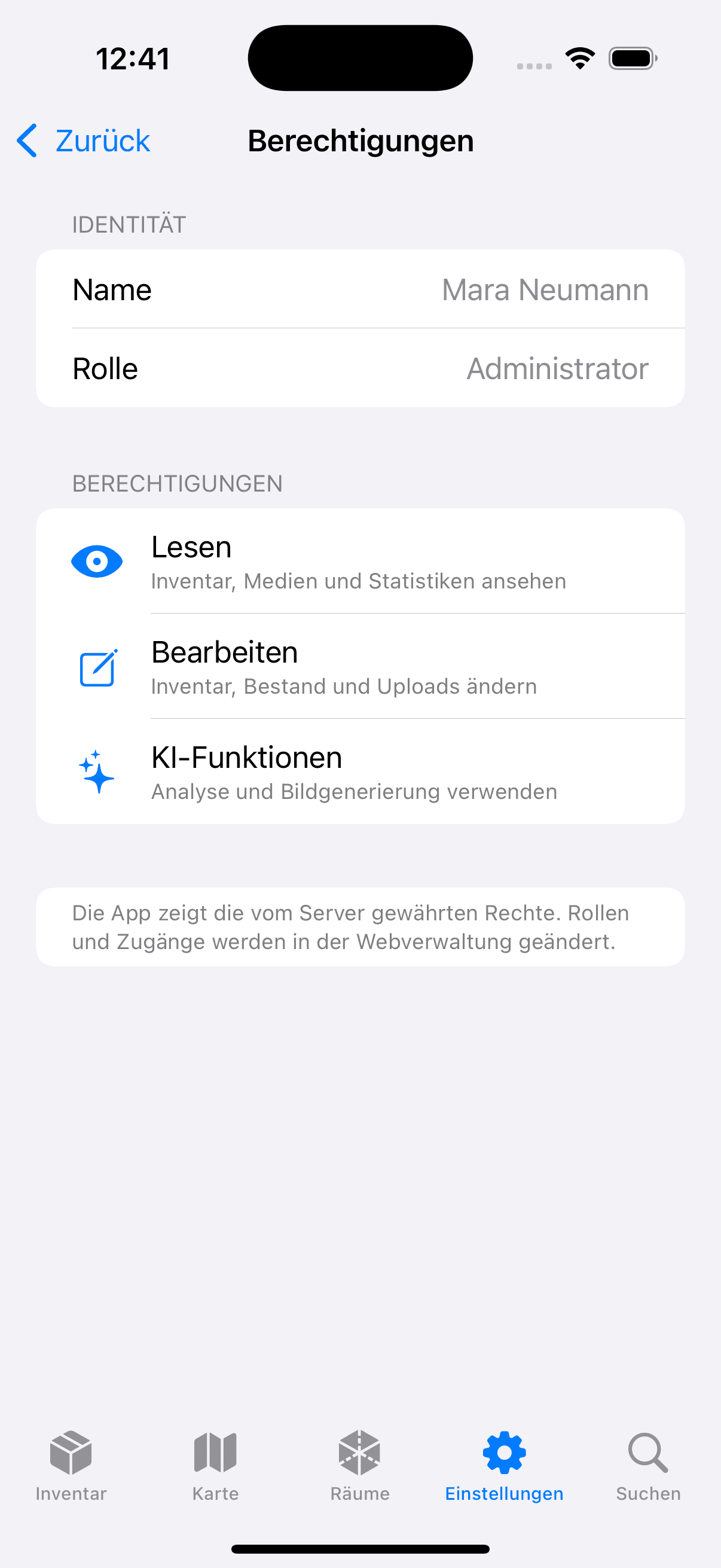
The native SwiftUI app is built from the same repository and uses a configured server origin. Reachability, TLS and certificate validity are therefore part of the deployment model.