The features
Know what you have. And where it goes.
Capture equipment and supplies, find their location and keep track of loans and stock. From your first item to a shared storeroom.
MIT license · Self-hosted · Web and iOS

01 / Capture
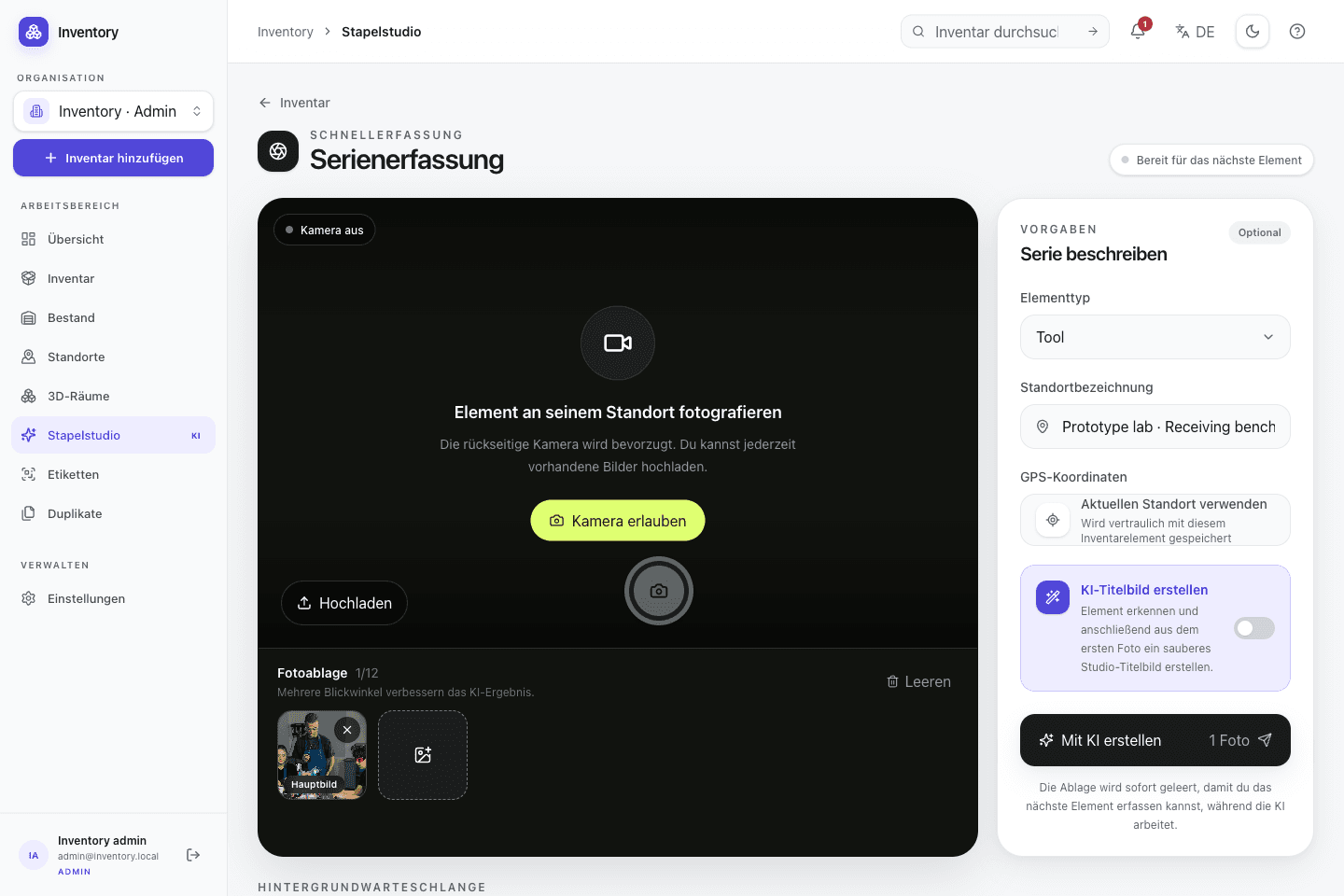
Capture objects with photos
Photograph equipment and supplies where you find them. Enter the details yourself or review optional AI suggestions before accepting them.
- Capture several objects without waiting for every upload and processing step
- Review and correct generated fields before treating them as inventory data
02 / Data model
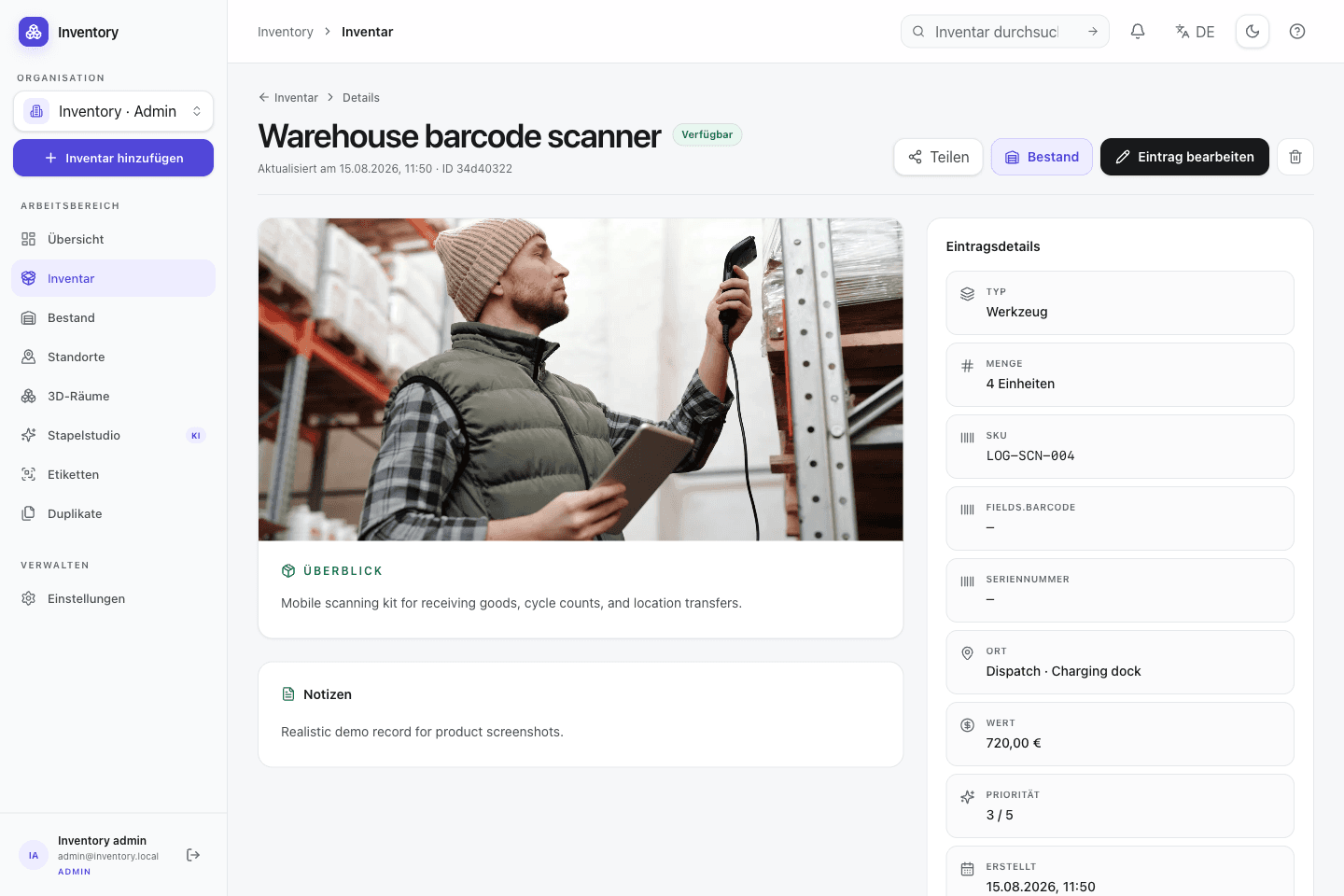
One place for every detail
Keep photos, serial numbers, documents and custom fields on the same record. Search and filters help you find it again.
- Add domain-specific types and fields without changing application code
- Connect containers, rooms, devices, people and projects with explicit relations
03 / Stock and operations
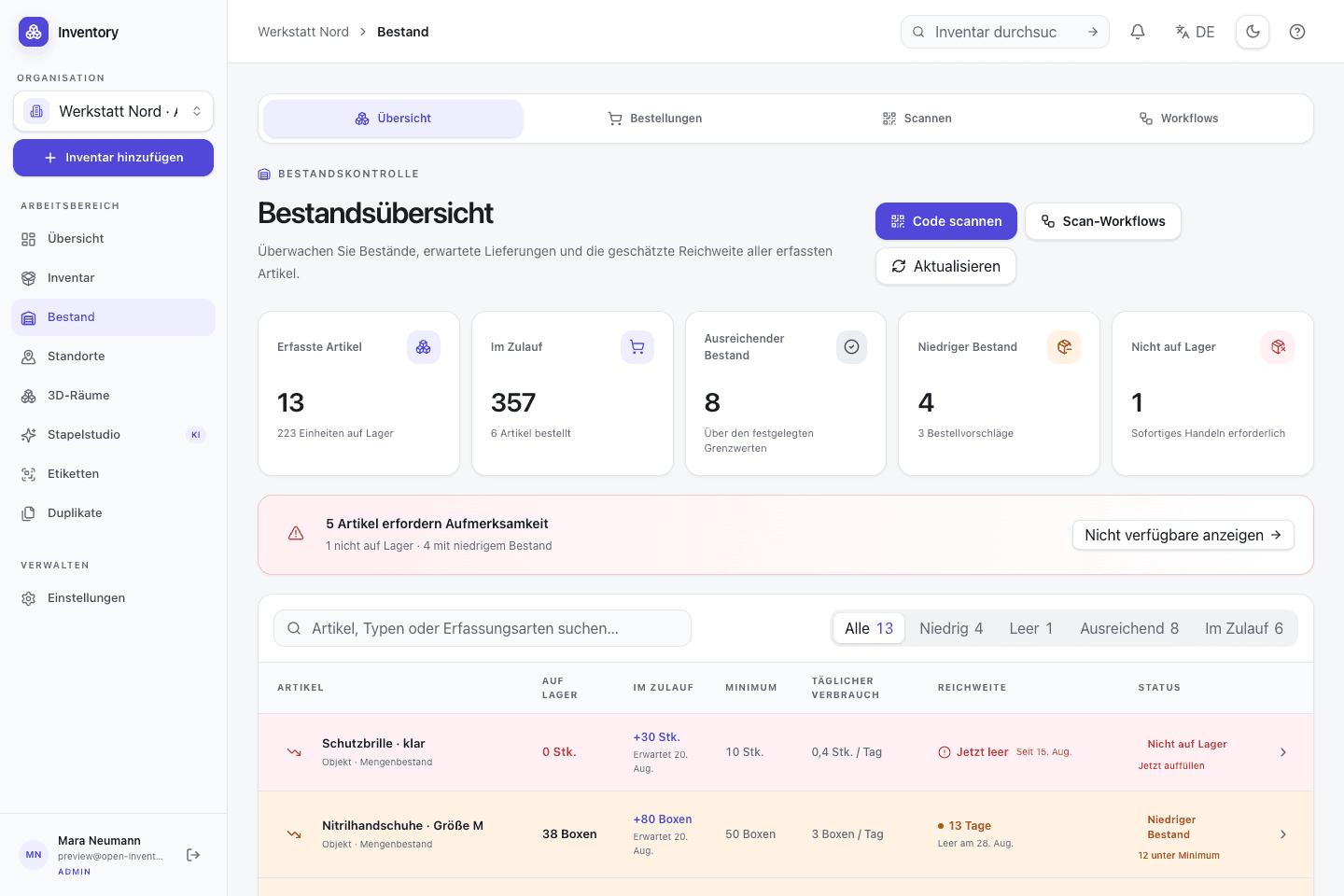
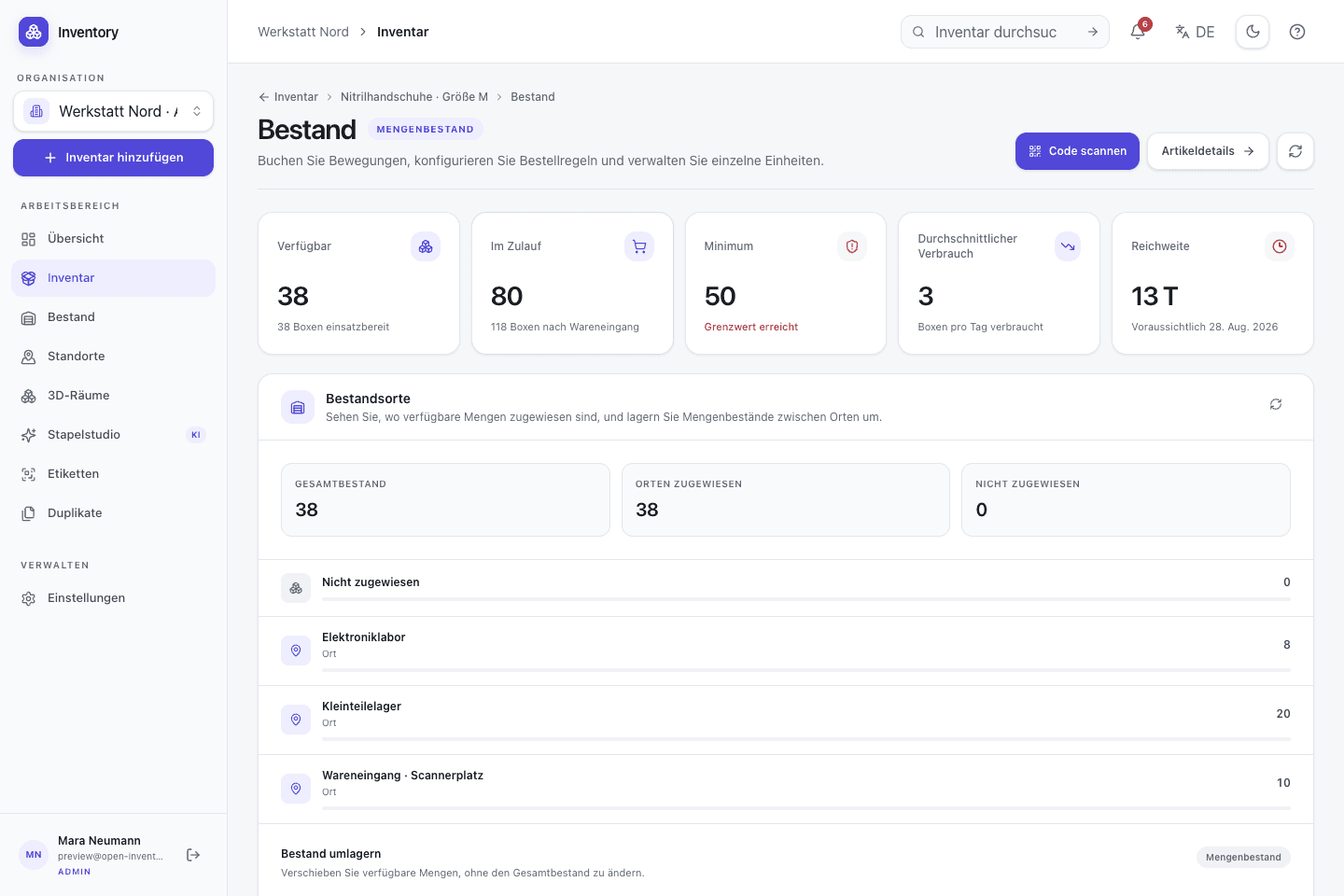
Keep track of stock and loans
Track loans, consumption and deliveries. Stock forecasts inform replenishment; bill-of-materials analysis shows component needs and costs before production.
- Use bulk tracking for interchangeable parts and serialized units for identifiable devices
- Record issues, returns, transfers and corrections without replacing their history
04 / Labels, printing and API
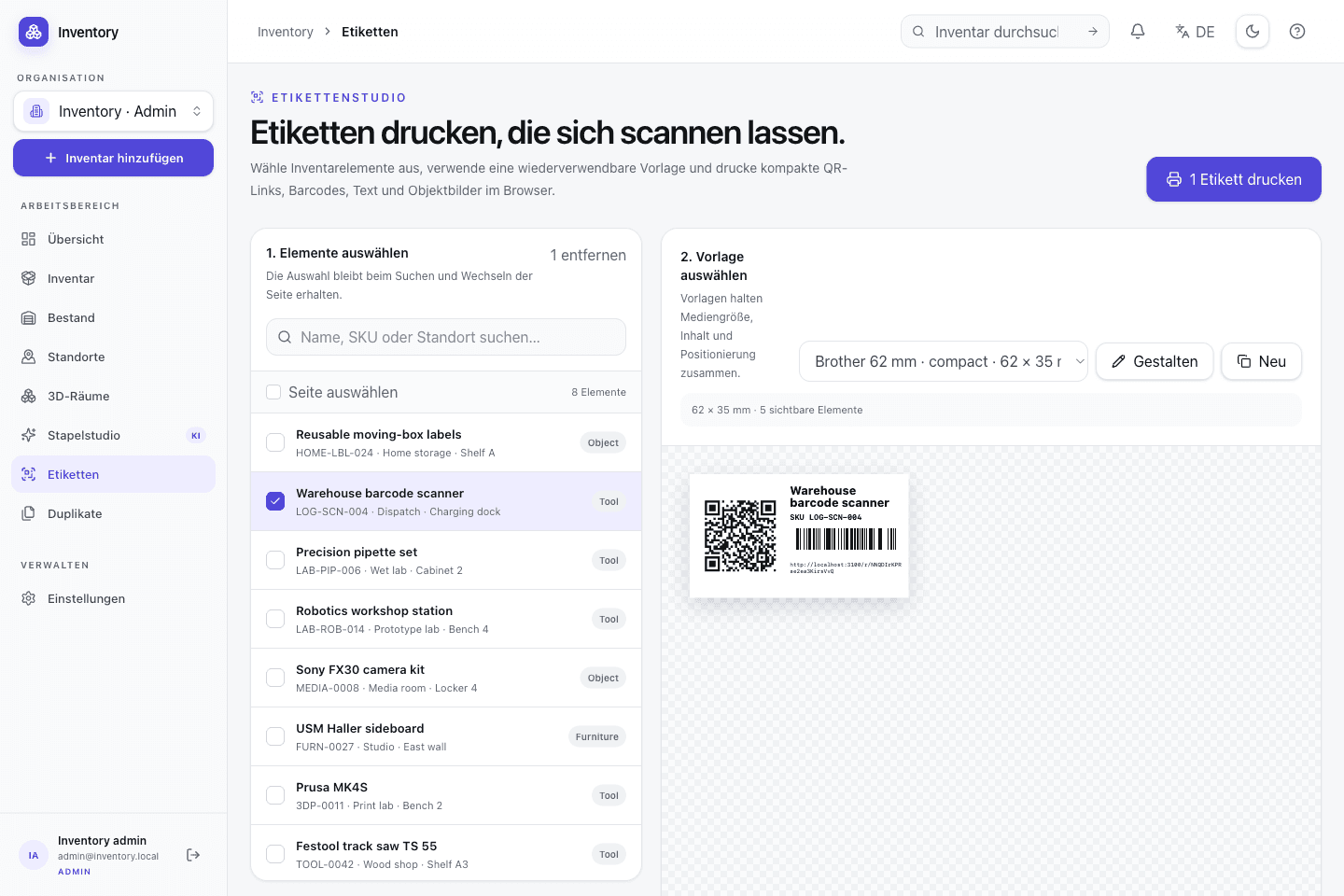
Design labels. Share a printer.
Label items and individual devices with QR codes. Print locally or on the shared Office printer and save prepared lists for later.
- Label items and individual devices with their own QR codes
- Print locally or on the shared Office printer and save personal print lists
05 / Locations, maps and rooms
Find the location. Find the shelf.
Assign objects to rooms, cabinets and storage locations. Add maps and room views when you need more spatial context.
- Connect inventory with map points, polygons and structured stock locations
- Derive spatial relations from geometry while preserving manual overrides
06 / Operations and security
Your server. Clear access controls.
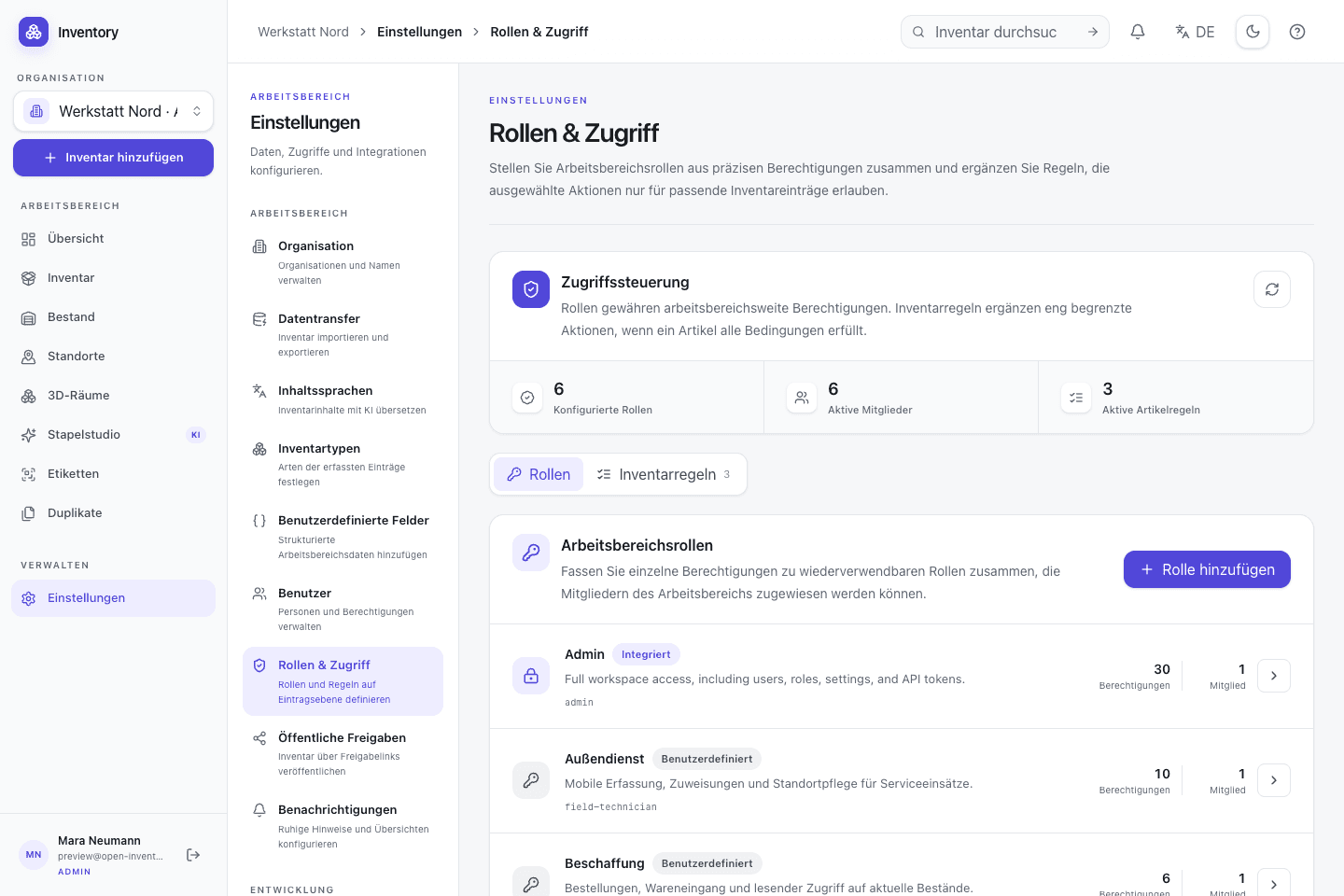
Run Open Inventory on your infrastructure, manage roles and back up your data. The source and documentation are public.
- Run and inspect the web app, API and iOS client on infrastructure you control
- Define roles, granular permissions and content-dependent access rules
For more involved workflowsHow the pieces work togetherPurchasing, stock, lending and sales use the same records. Open the interactive overview to follow a workflow.
The complete loop
One inventory. Every business operation.
From the first photo or demand through purchasing, reservations, lending, sales, and assembly to counting, alerts, and integrations. Choose a flow or building block to reveal its connections.
Highlight a flow
Every path and feedback loop in the application.
Triggers
Something is captured or needed
Data foundation
The shared digital core
Operations
People and orders take action
Stock ledger
Every change is recorded
Feedback
Check, notify, and connect
Active building block
Available stock
Global quantity, availability, and distribution across locations are derived from bookings.
Directly connected: Purchasing & receipts · Approval & reservation · Sales & shipping · Assembly · Counts & corrections · Forecasts & alerts · API, store & webhooks
Open for your setup
Try it first. Then make it yours.
The web app, iOS app and API are MIT-licensed. The documentation covers installation, configuration and backups for your own instance.
About the open-source project