Records with complete details
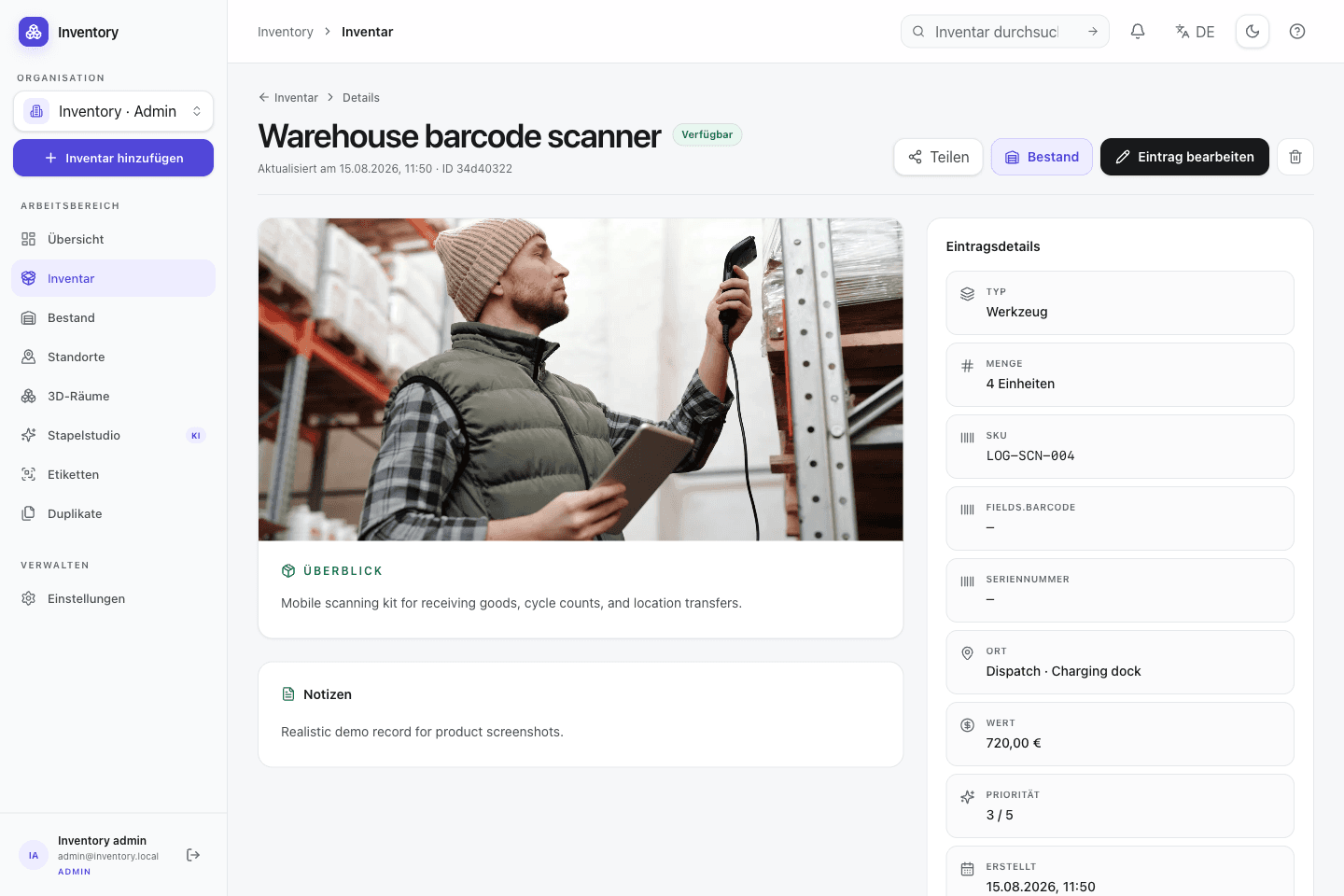
Store quantity, status, SKU, serial number, value, categories, tags, location, notes, priority, GPS or GeoJSON data and ordered media on each record.
02 · Structure
Keep photos, serial numbers, documents and custom fields on the same record. Search and filters help you find it again.
In everyday use
A household store and an equipment lab need different fields. Open Inventory combines stable inventory types, custom fields, relations, locations and media instead of hard-coding an industry model. The same structure is available through the UI and API.
Features in detail
Store quantity, status, SKU, serial number, value, categories, tags, location, notes, priority, GPS or GeoJSON data and ordered media on each record.
Use bundled types for tools, objects, furniture, vehicles, locations, people, clothing and projects, or define custom types with stable API keys.
Add short or long text, numbers, booleans, dates, date-times, single or multiple choices, email, URL and dynamic references, including fields on serialized units.
Configurable directed relations connect records. Manual placement and point-in-polygon derivation can represent rooms, cabinets, machines or projects.
A canonical language, per-field freshness, terminology guidance and queued regeneration keep generated translations reviewable and consistent.
Use the responsive grid or table, favorite frequently needed records, filter inventory, and update shared fields or tags across a selected set.
Connect existing records as variants or generate configurations from option groups. Every variant remains a complete record with its own SKU, barcode, and stock.
Visualize families, bills of materials, containment, and other links across several levels. The optional cost view exposes material contributions through the structure.
Step by step
A field is useful when it is searched, filtered, validated or automated. Additional structure can be introduced as those requirements become clear.
Use a bundled type or create a custom type with a stable key shared by the UI and API.
Add only the required text, number, choice, date or reference fields for that type.
Represent containment, responsibility and spatial relationships as directed links rather than free text.
Filter records and apply shared fields or additional tags to a selected set in one operation.
On site, too
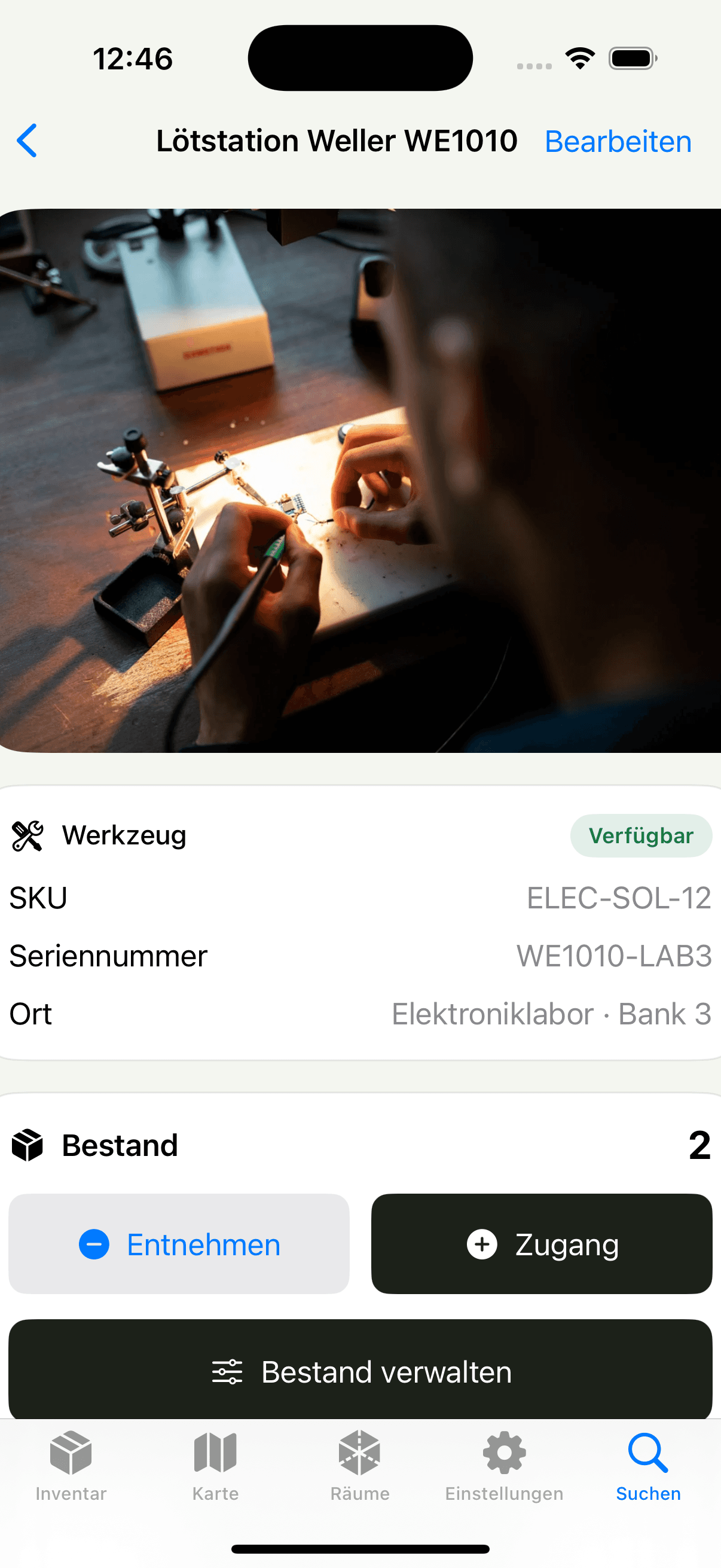
The native client searches the same records as the web application. Location and other fields can be added while capturing the physical object.