Three printing options
Use the browser print dialog, direct USB printing on a Brother PT-P710BT through QZ Tray, or a shared Office printer with a Windows agent. Shared setup currently uses 24 mm tape.
04 · Resolve and integrate
Label items and individual devices with QR codes. Print locally or on the shared Office printer and save prepared lists for later.
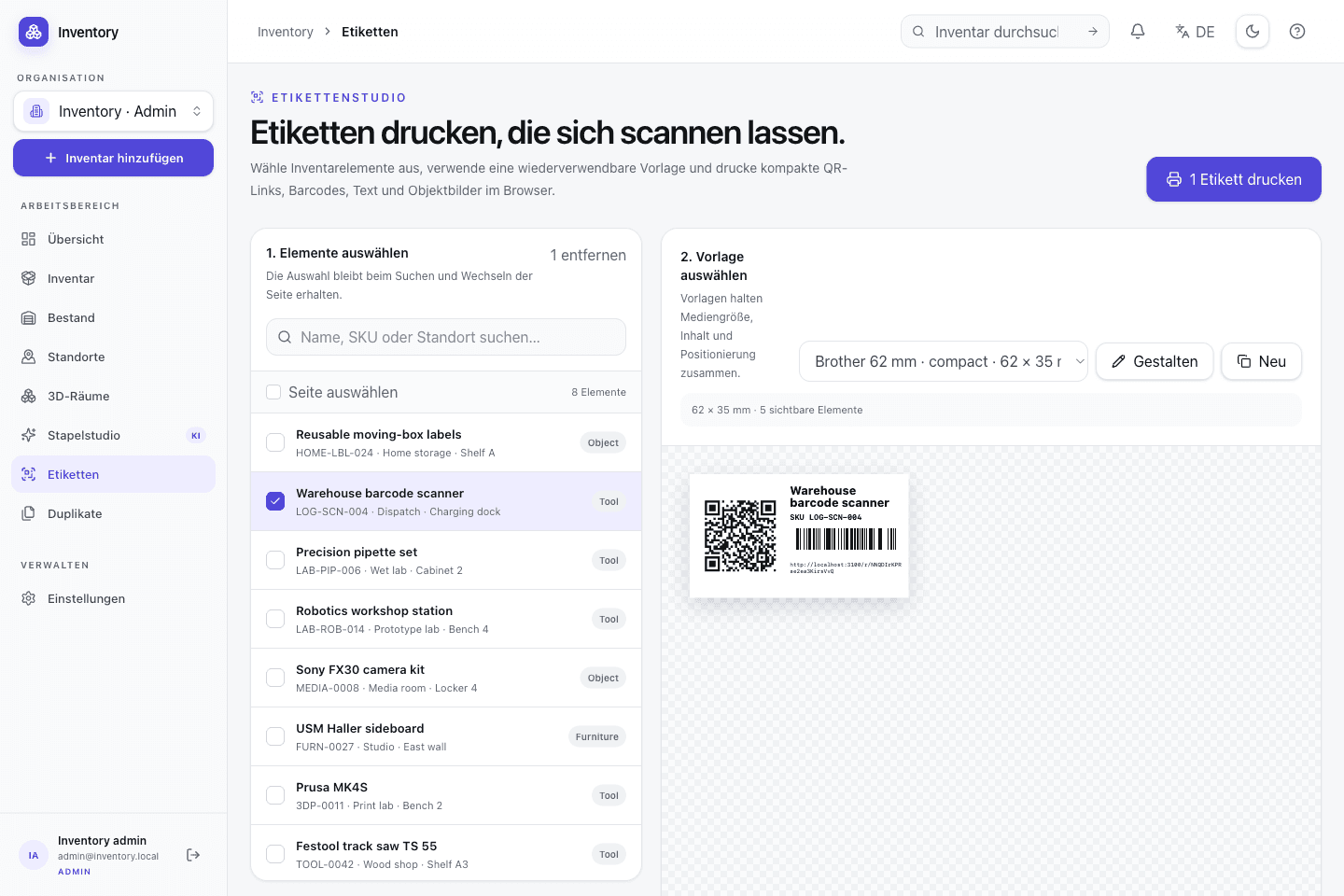
In everyday use
Choose items or individual units, adjust a template and prepare a print series. Scan the label later to open the matching record. CSV and the API connect your inventory to other systems.
Features in detail
Use the browser print dialog, direct USB printing on a Brother PT-P710BT through QZ Tray, or a shared Office printer with a Windows agent. Shared setup currently uses 24 mm tape.
Collect items, individual units, templates and copies. Your personal list is saved per organization. A P-touch series supports up to 100 labels using the same tape width.
Scan from a camera or image, resolve inventory links, UUIDs, SKUs and serial numbers, and design configurable action flows with previews, inputs, and confirmed execution.
Design QR codes, barcodes, multiple text fields, subtitles and custom images. Adjust typography and cropping, use inverted printing or automatic label length, test-print drafts and save copies.
Import and export UTF-8 CSV. Row-level validation identifies invalid values, and repeated imports can use idempotent processing.
Find similar records and merge them together with their related data.
Expose selected records through a revocable read-only share without opening the complete workspace.
Read and update inventory through the interactive OpenAPI reference. API tokens are revocable and scoped; print management requires a browser session.
Map store line items to bulk stock by exact SKU. Webhooks issue order quantities and reconcile refunds or cancellations with traceable reversal movements.
Step by step
Print a single label or collect multiple items and templates into a series.
Set up a printer and print your first labels →Select an item or serialized unit. Its QR link stays valid when the device code changes.
Combine QR codes, barcodes, images and text. Adjust print-only titles, subtitles and copies, then check the preview.
Use the browser dialog, QZ Tray on a local PT-P710BT or a shared Windows printer. Send prepared labels as a series.
Open the record by scanning, review the operation and confirm the stock action.
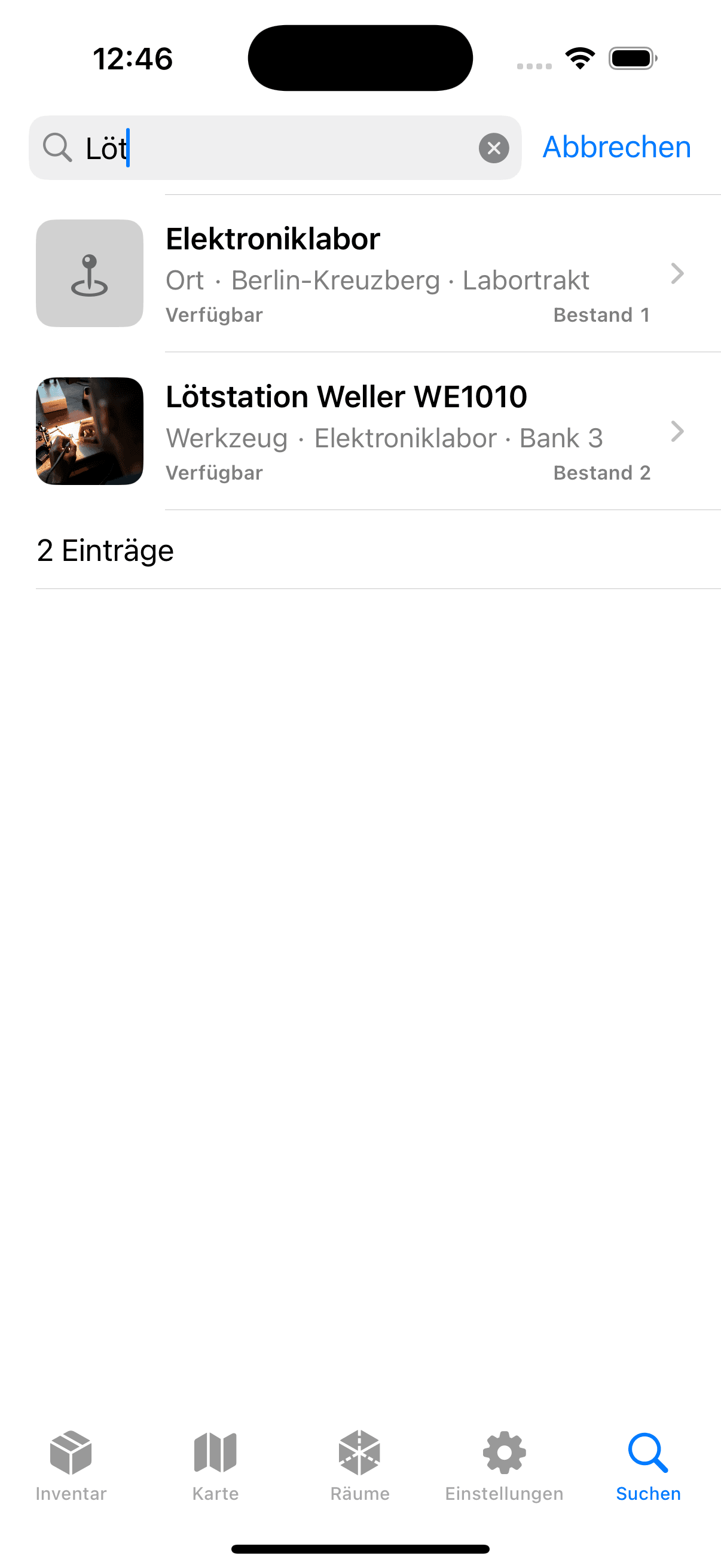
On site, too
The native app recognizes QR, EAN-8/13, UPC-E, Code 128, Data Matrix, PDF417 and Aztec and calls the operator's own Open Inventory instance.